Courage in the face of a giant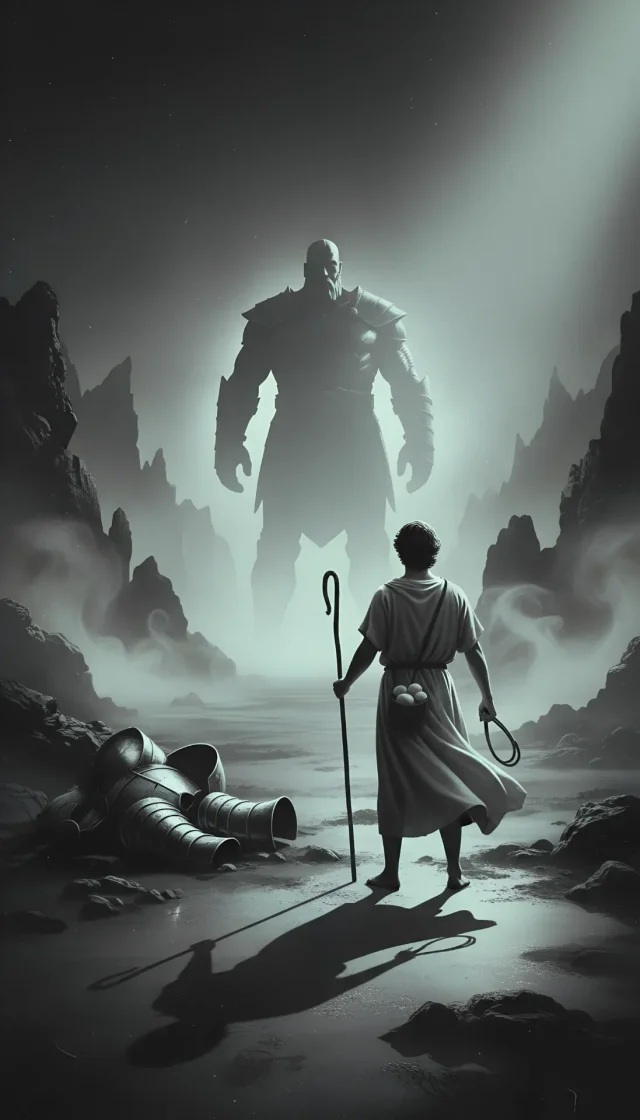
Courage in the face of a giant
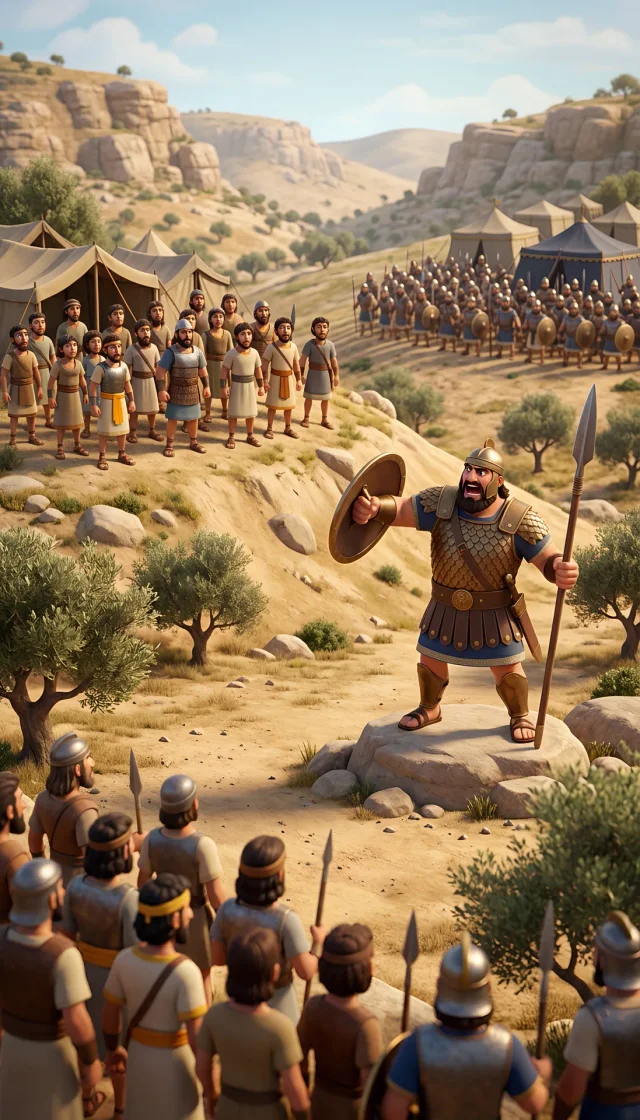
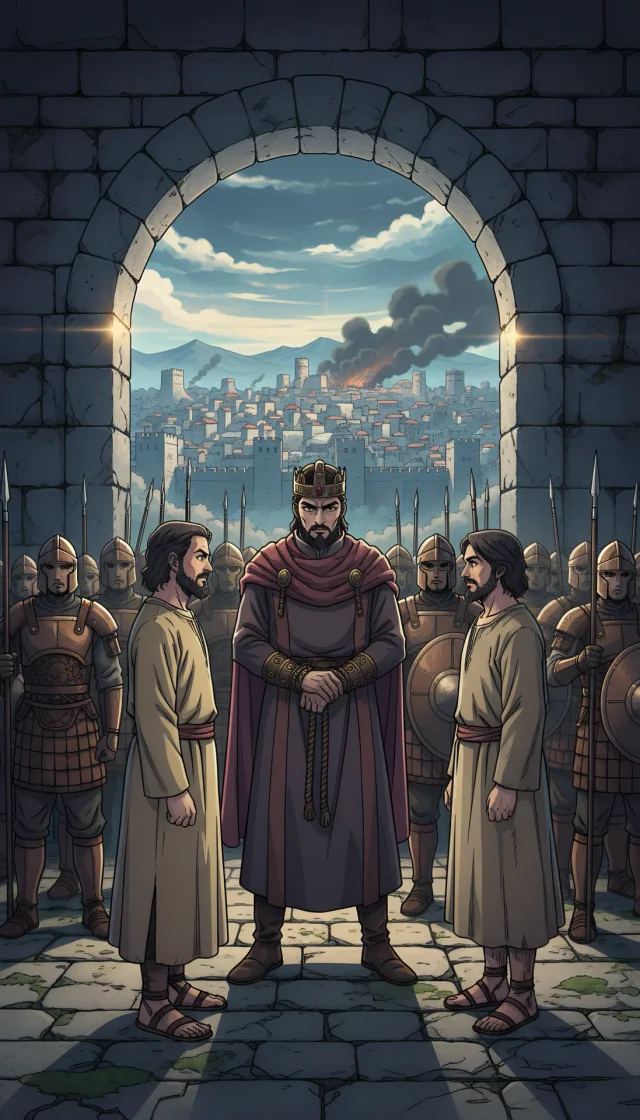
Meet the shepherd who stepped forward when an army held back. Familiar names become stories with people, choices and something at stake.
A shepherd faces a giant. A sea parts. Five loaves feed thousands.
We turn Bible passages into complete short videos. Choose your look and narrator, and let the stories unfold on your channel.
Most of us have heard of David and Goliath or Noah’s Ark. But who was there, what happened and why did it matter? A good retelling brings those details back into focus.
Bible Stories follows encounters and memorable passages found throughout the bible from both the Old and New Testaments in clear, vivid language. We select the passage, write the story and produce the finished video with illustrated scenes, narration, captions, music and sound. Each intro includes its Bible reference, so viewers can find the passage and read further.
Meet the shepherd who stepped forward when an army held back. Familiar names become stories with people, choices and something at stake.
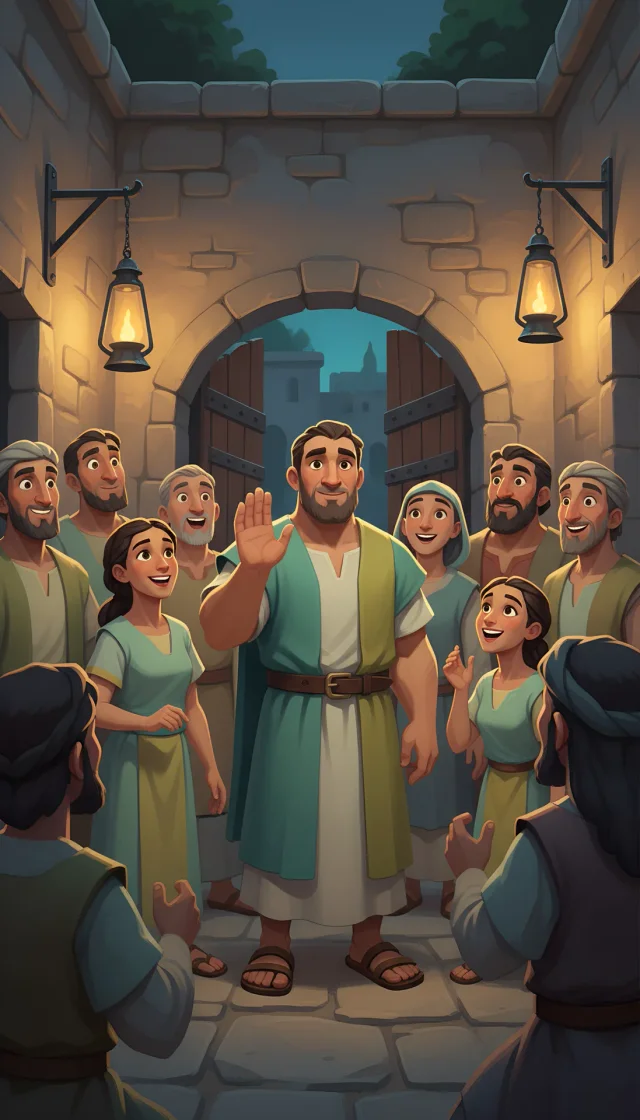
From Noah’s Ark to Moses and the Red Sea, follow the defining moments that have made these stories so enduring.

Five loaves and two fish become a meal for thousands. Discover the story behind the miracle, with a clear passage reference to explore afterwards.
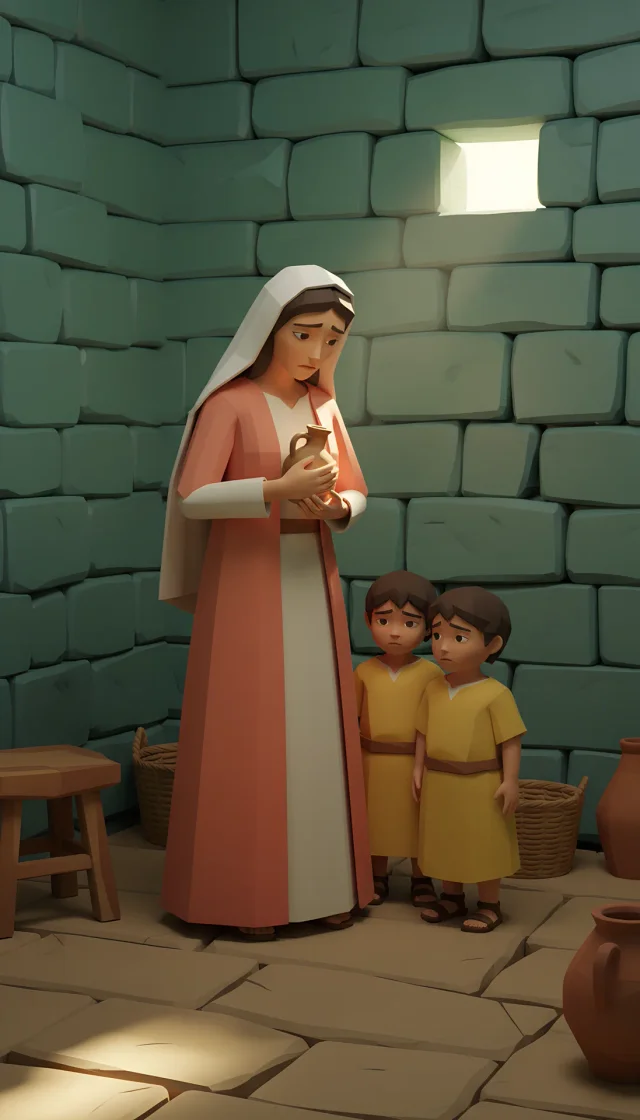
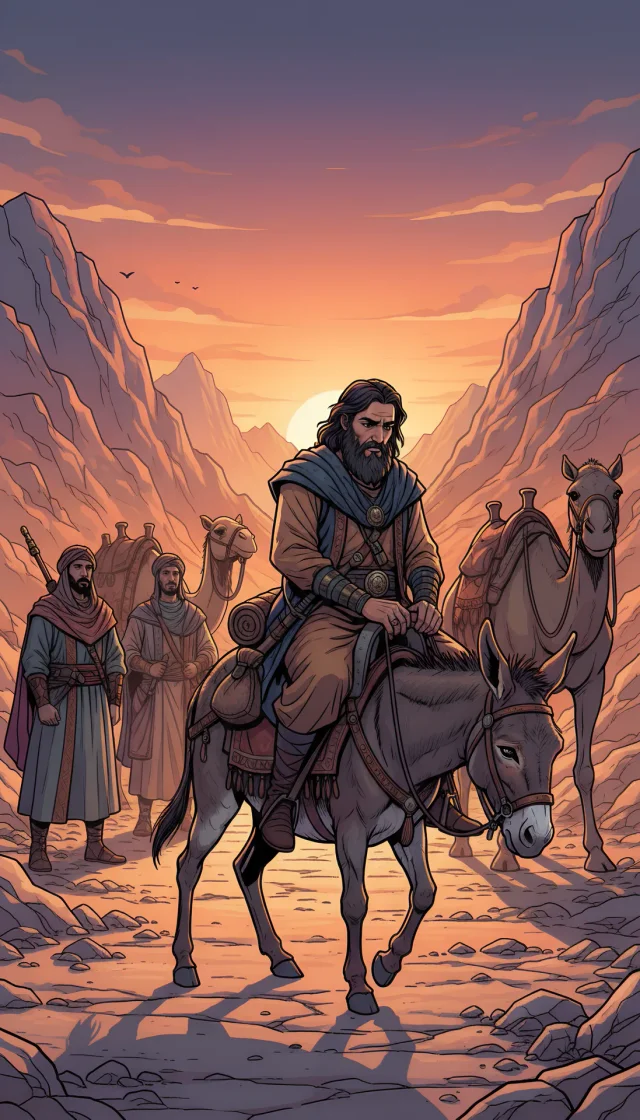
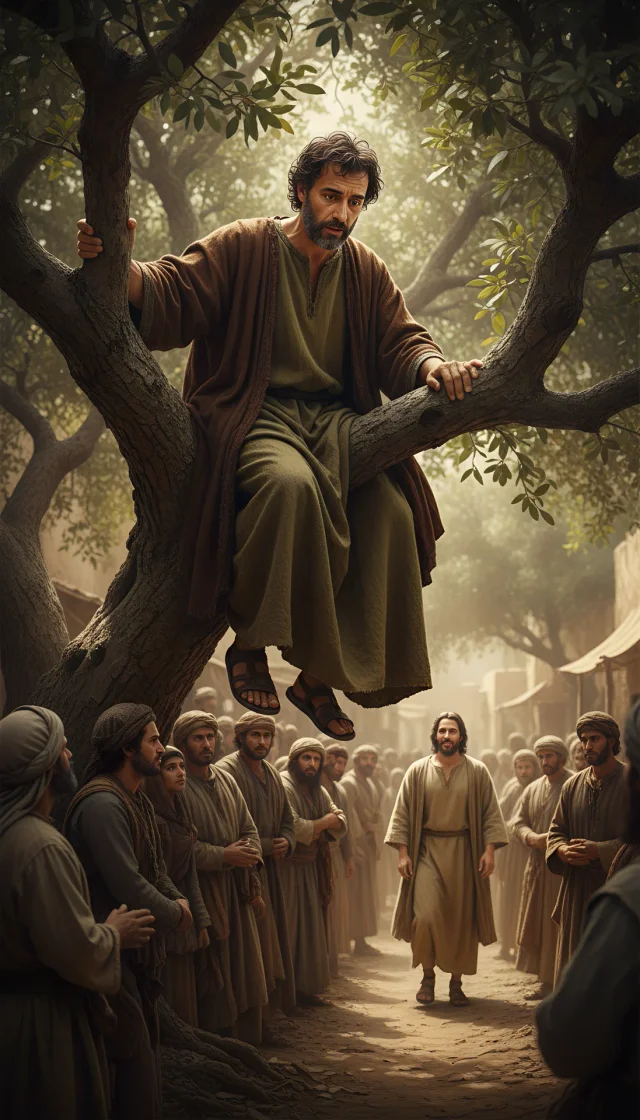
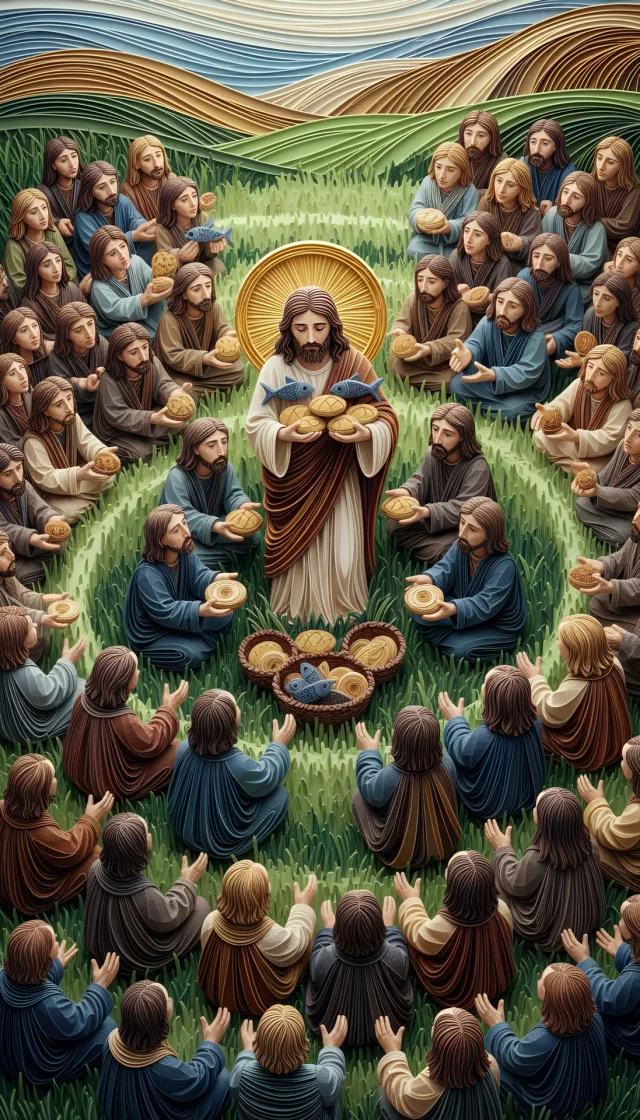
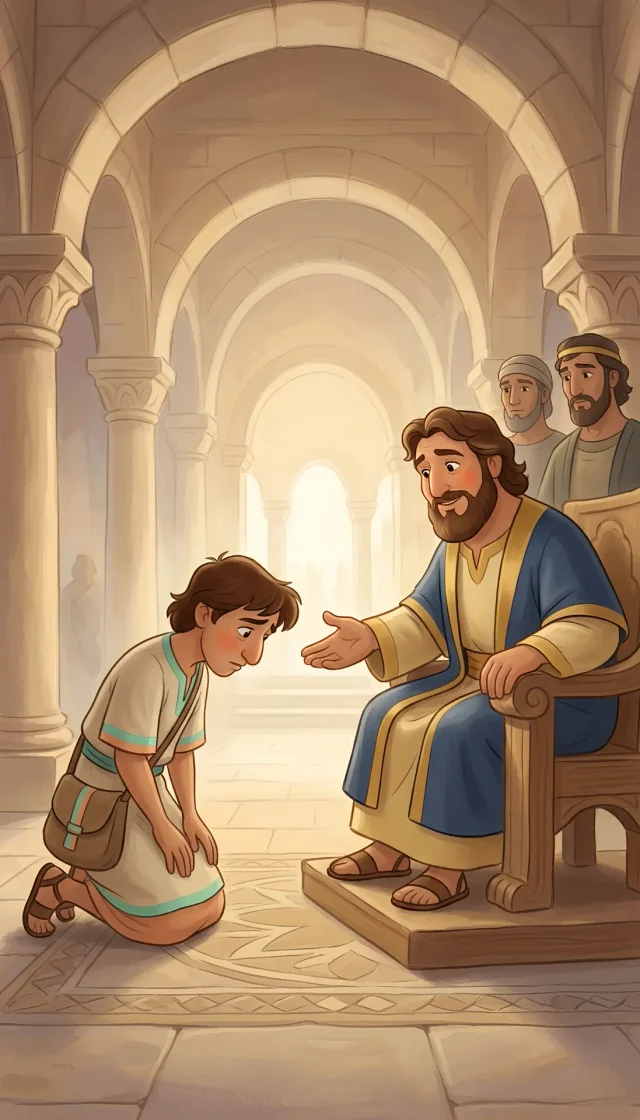
David and Goliath, Noah’s Ark, Moses and the Red Sea, Daniel in the lions’ den, and Jesus feeding the five thousand give the series a recognisable starting point. Other holy episodes open up the people, encounters and parables found across the Bible both old and new testament.
Each short introduces the setting, explains the challenge and follows the decisive action through to its outcome. A brief closing thought connects the meaning to that passage. The retelling uses original language, without invented scripture, added dialogue or a denominational lesson, and gives newcomers enough context to follow along.
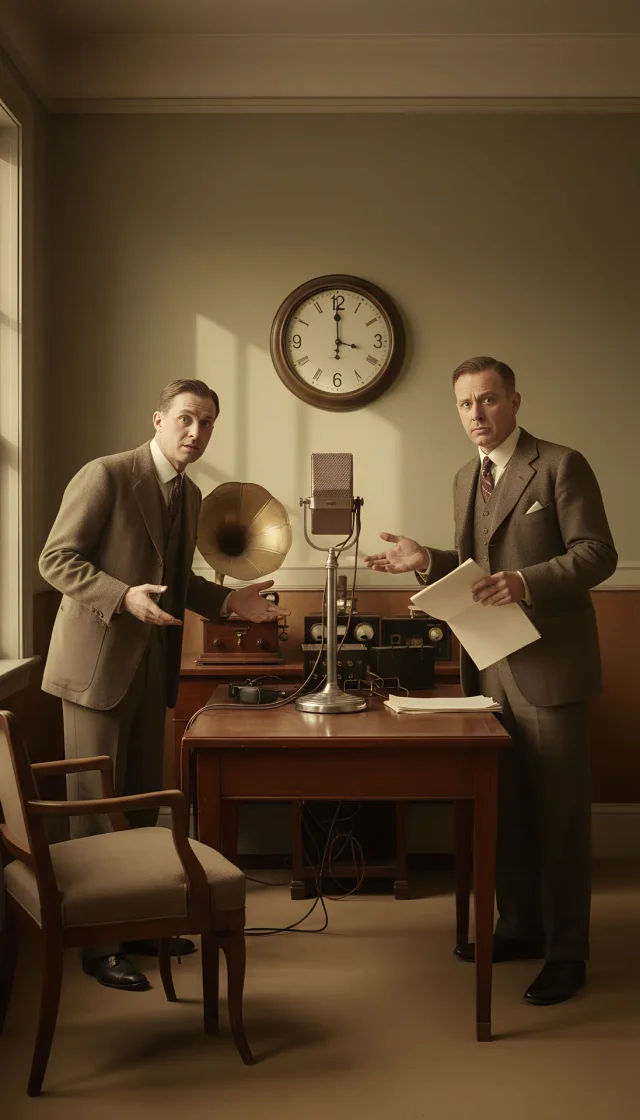
A bright illustrated hillside feels different from a dramatic sea crossing. The same story can take on a different atmosphere through its artwork, voice and sound.
In Buzz Studio, try the visual styles and narrators, then choose caption colours, fonts, movement, transitions and music. Keep the words easy to follow and the presentation consistent across every episode, with no filming or recording required.
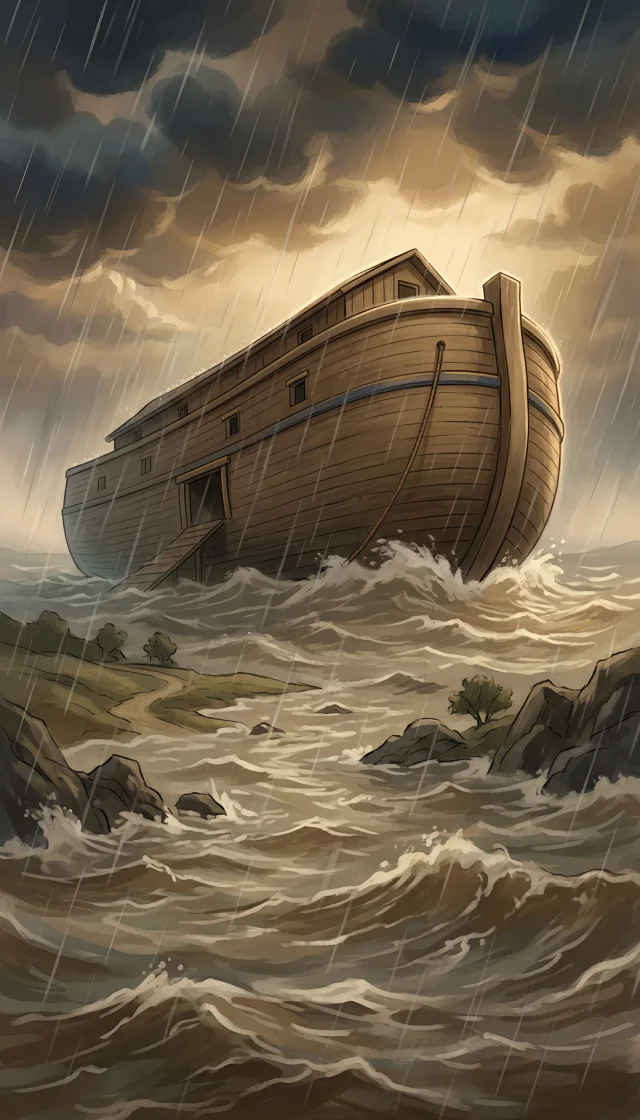
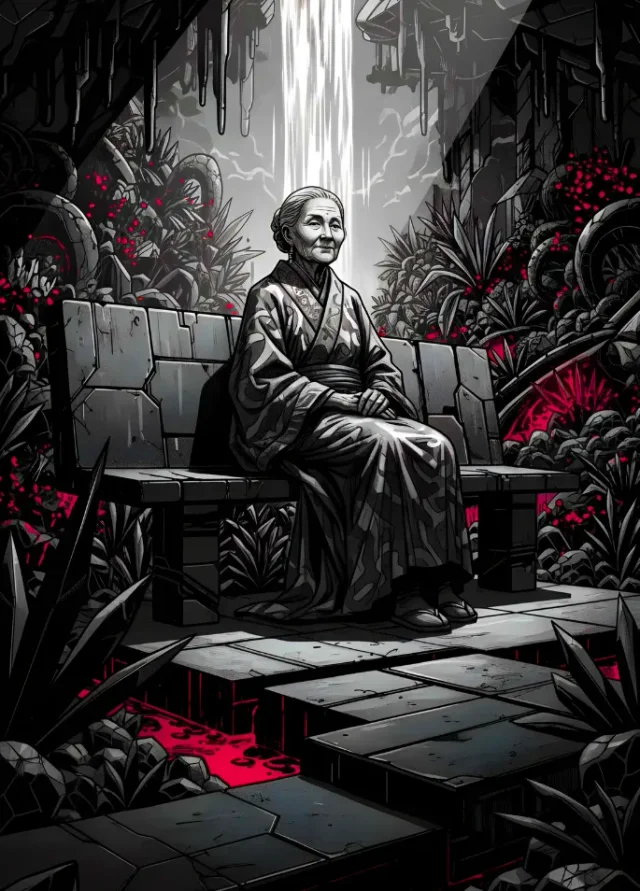
Choose an illustrated or cinematic look for desert journeys, crowded hillsides and ancient cities.
Make the story easy to follow with clear captions, readable colours and a font that fits the artwork.
Set the pace from the opening challenge to the decisive moment with your chosen scene transitions.
Choose music and sound that support a quiet encounter or a dramatic escape without drowning out the narration.
Hear how a warm or dramatic narrator changes the retelling, then choose the voice that suits your channel.
Keep the next story on the schedule. Activate your Brand and connect Momentum Publishing for daily posts.
Building a channel shouldn’t mean writing a script and editing a video every evening. After Brand activation, each day’s episode is created using your saved presentation choices.
Connect your channels and choose a posting time in Momentum Publishing. The finished video is posted automatically, with a title, description or caption and relevant hashtags prepared for each destination. Share through YouTube Shorts, TikTok, Instagram Reels, Facebook Reels and Pinterest.
Editing is there when you want it. Change the post copy, pause your schedule or download a video to share yourself; the daily routine can carry on without a daily login.
Scene 1
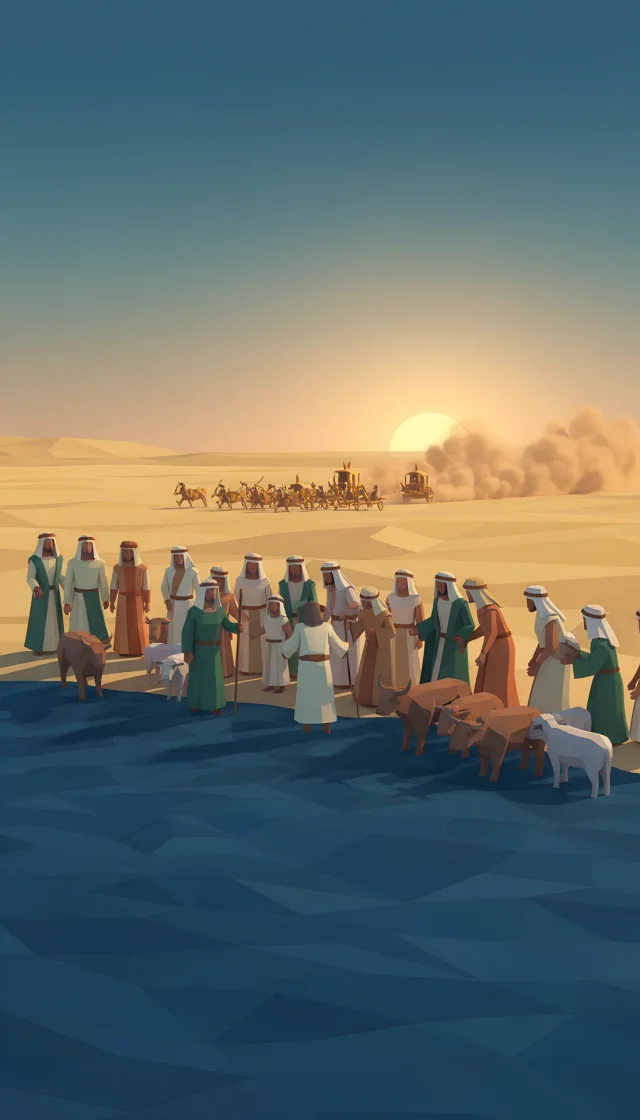
THE
OPENING
Scene 2
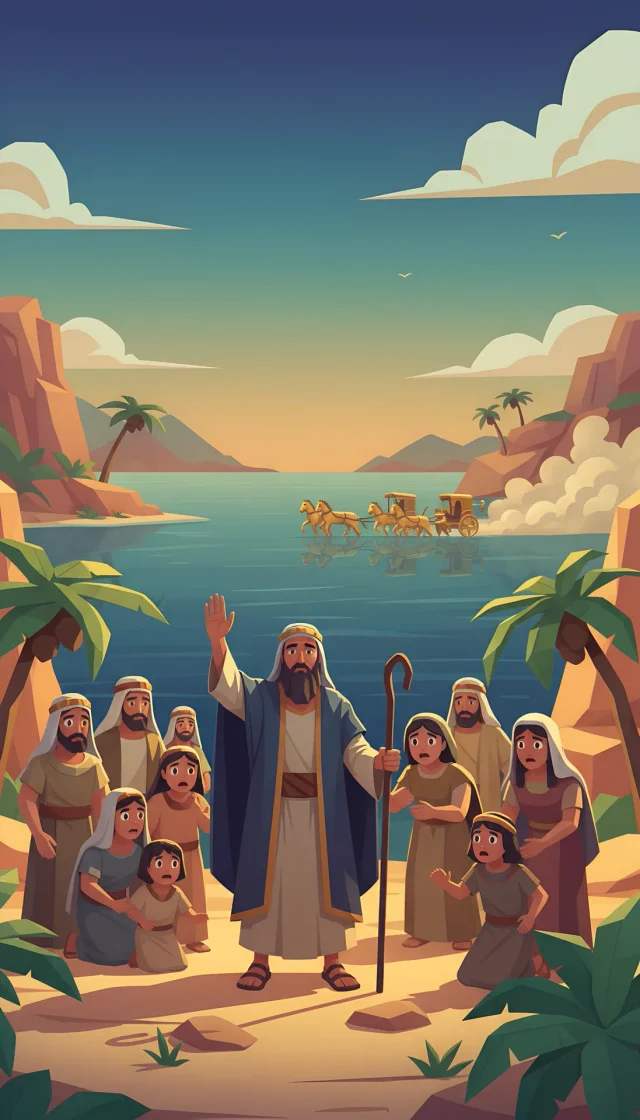
THE
SETTING
Scene 3
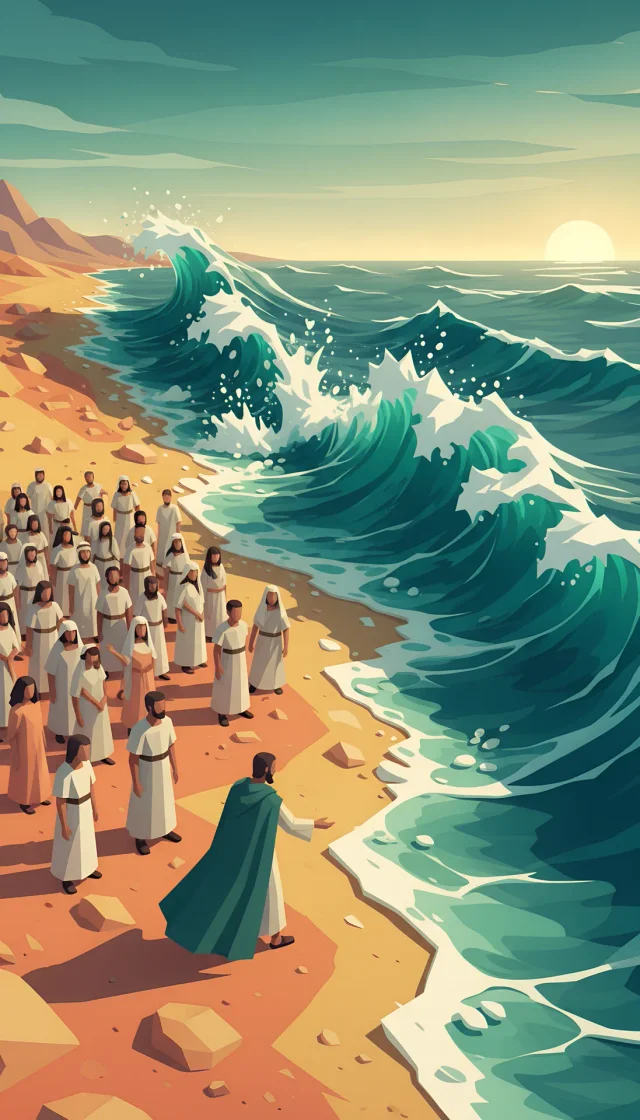
THE
CHALLENGE
Scene 4
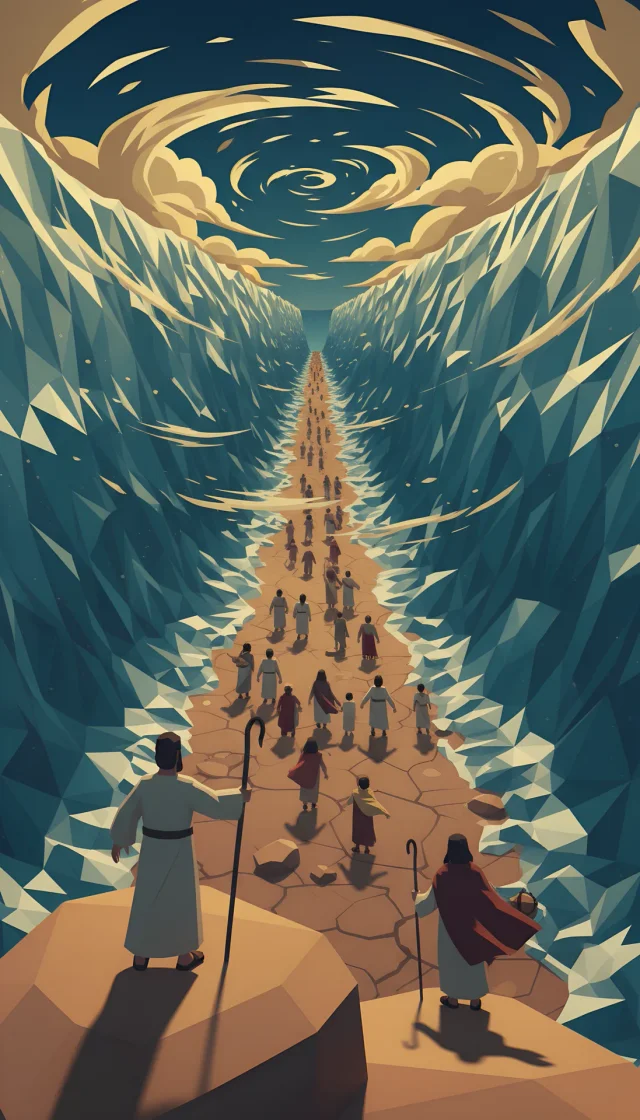
THE
TURNING POINT
Scene 5

THE
OUTCOME
Scene 6

THE
MEANING
A coordinated avatar, banner and colour palette help people recognise the next story in their feed. Your included Brand Kit brings those pieces together, with artwork sized perfectly for all your social profiles.
Choose the combination that suits your channel and carry the same look from its profile page to its videos. The examples below show how the kit’s matching elements work together.
A matching avatar and banners in an 18-file Brand Kit, ready for your social profiles.
Momentum Publishing handles daily posting to your connected channels. You can also download your videos whenever you want.
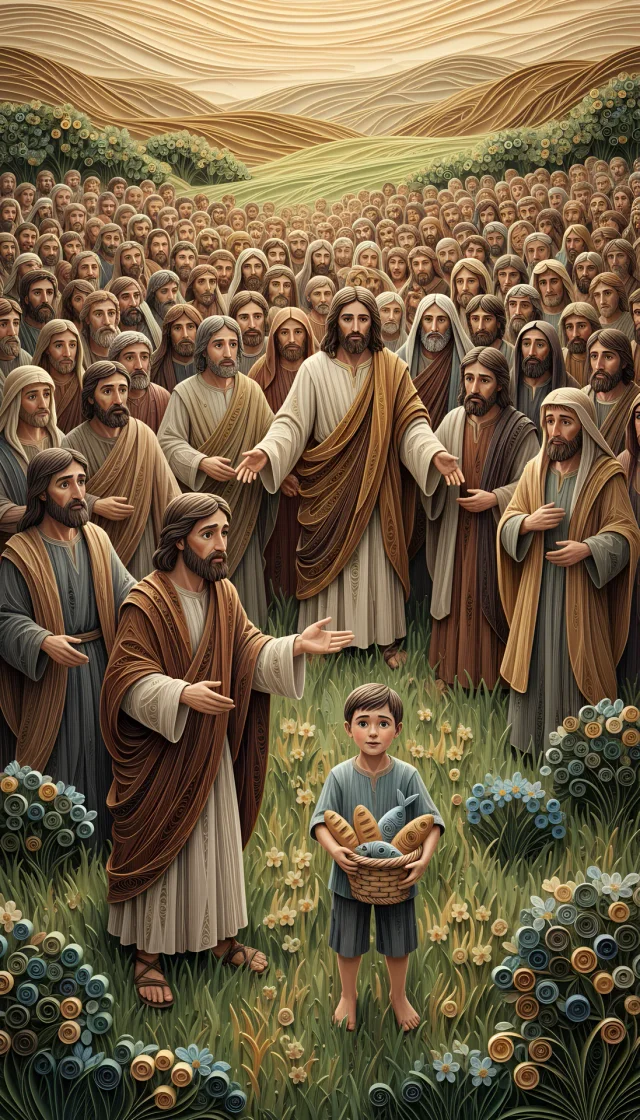
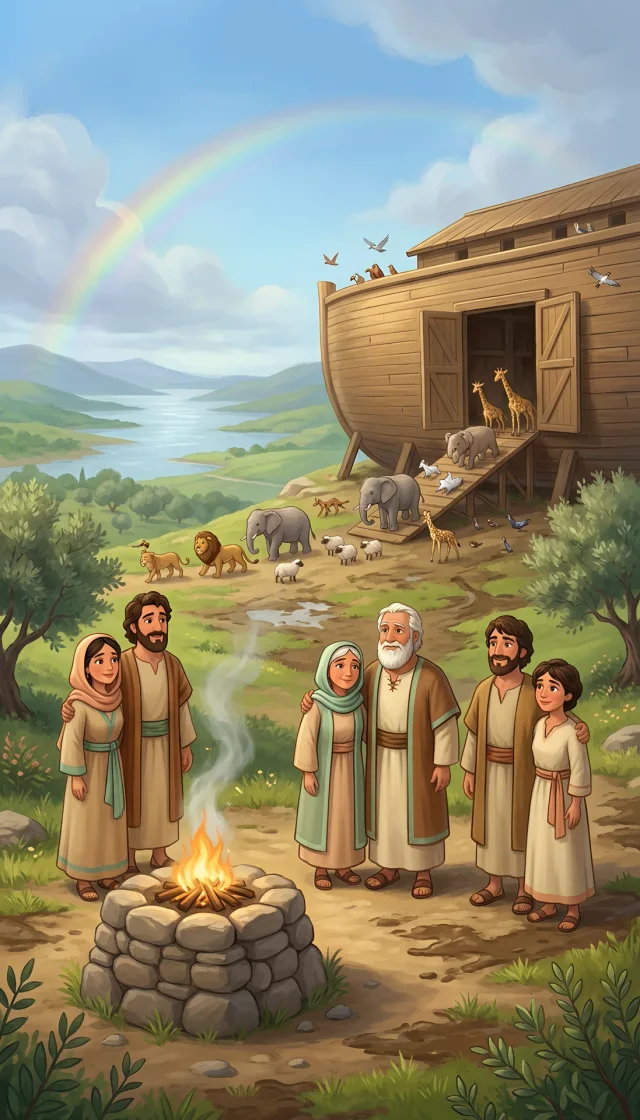
A series of short faceless videos retelling passages from the Old and New Testaments. Episodes introduce the people and setting, follow the central event and close with a brief passage-specific meaning. We provide the story, illustrated visuals, narration, captions, music and sound, with the Bible reference displayed in the intro.
You get your own Bible Stories Brand, a channel identity built around this Series. Your chosen look, narrator and matching Brand Kit artwork carry across connected social accounts. Each short retells one Old or New Testament passage, showing its reference, central event and brief passage-specific meaning. We choose and write the stories and produce the illustrated scenes, narration, captions, music and sound.
No. We choose the passages, write the retellings and create the finished videos. The stories include enough context for someone meeting them for the first time. Your choices are the visual style, narrator and presentation, plus automatic publishing or manual download.
Yes. Start with a visual style and narrator in Buzz Studio, then experiment with captions, colours, transitions, music and sound. Preview the result and save the combination you like. New episodes follow those choices, and the included Brand Kit gives your social profiles matching artwork.
The series starts with familiar stories such as David and Goliath, Noah’s Ark, Moses and the Red Sea, Daniel in the lions’ den, and Jesus feeding the five thousand. It also explores other Old and New Testament passages and identifies parables as stories within the text. Each episode stays with one passage rather than combining separate accounts.
They are respectful retellings in original words, with a book, chapter and passage reference for further reading. They do not present invented dialogue as scripture or add denominational teaching. A short closing thought relates to the passage, while the focus stays on telling its story clearly.
YouTube Shorts, TikTok, Instagram Reels, Facebook Reels and Pinterest. Connect your accounts to use Momentum Publishing, or download the finished videos and post them yourself.
Yes. Activate your Brand, connect your supported social accounts and choose a posting time in Momentum Publishing. BuzzExtra creates a new video each day, prepares the title, description or caption and relevant hashtags for each destination, then posts on your schedule. There is no daily approval task. You can edit the text, pause posting or download a video whenever you want.
No one can promise views or earnings from a video. Your results depend on the topic, the audience and how the channel develops over time. BuzzExtra gives you a consistent format and publishing routine, so you can spend less time making each video and more time learning what your audience responds to.